Walk the site with everyone involved, record what you find and have all parties sign on the phone. The finished protocol is a PDF before you leave.
For iPhone and iPadApp StoreComing soon
For AndroidGoogle PlayComing soon
A protocol everyone has seen and signed
Guided step by step
Type, participants, walkthrough, result, reservations, signatures: the app leads you through the handover.
Defects during the walkthrough
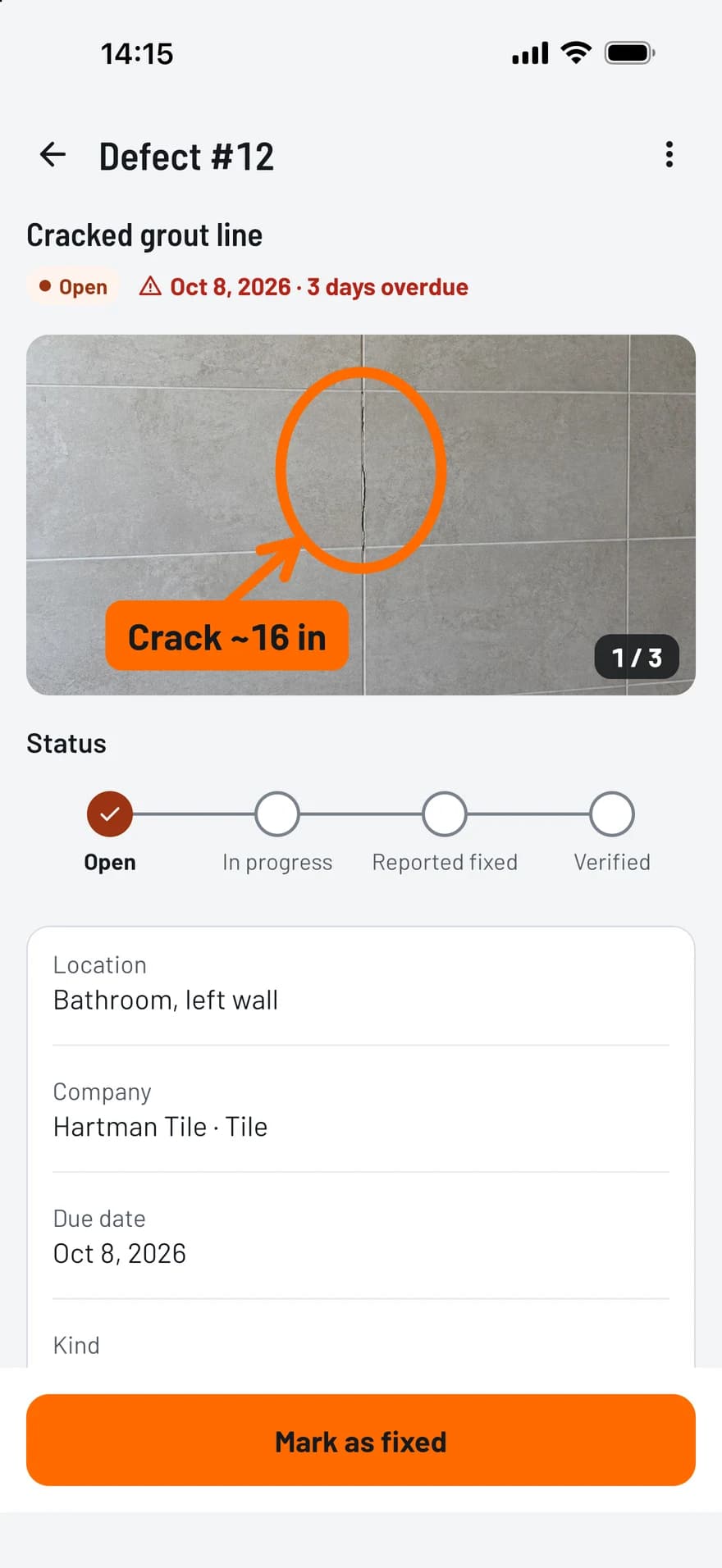
Capture new defects with photos or link open ones, and note for each whether the contractor acknowledges it.
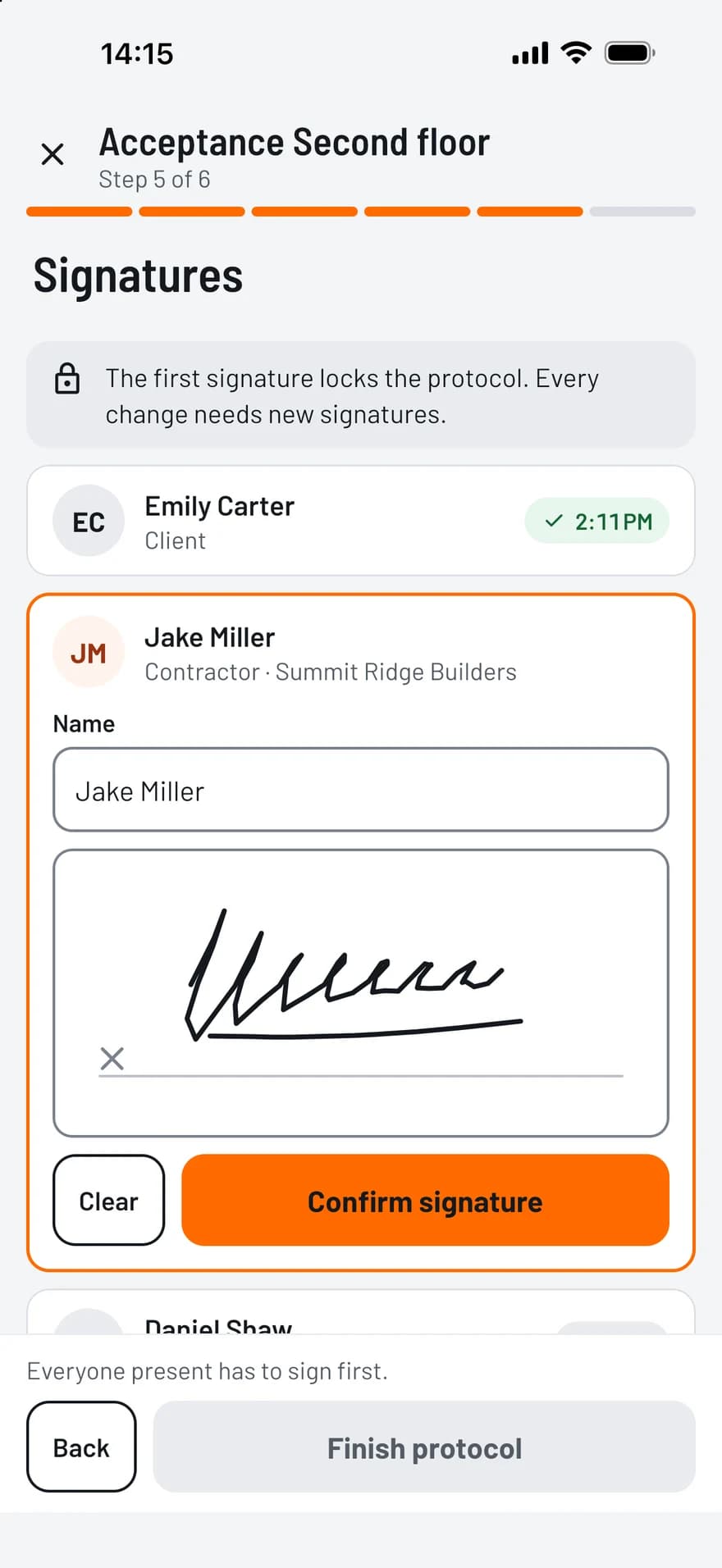
Signatures on the screen
Each party signs with a finger. The name, the role and the time are stored with the signature.
Locked once signed
The first signature locks the content. When everyone present has signed, the protocol is final and its PDF is filed in the project.
What the protocol records
TagFix covers pre-inspections, handovers, partial handovers, condition assessments and re-inspections.
Date, time, place and scope
Participants with company and role, present or absent
Defects with photos and a deadline for each
Result: accepted, accepted with reservations or refused
Reservations and the contractor’s objections
Documents, keys and meter readings handed over
How it works
1
Prepare
Choose the type of inspection and add the participants.
2
Walk through
Record defects room by room, with photos and deadlines.
3
Sign and share
Note the result, collect the signatures and share the PDF.
PDF reports, ready to share
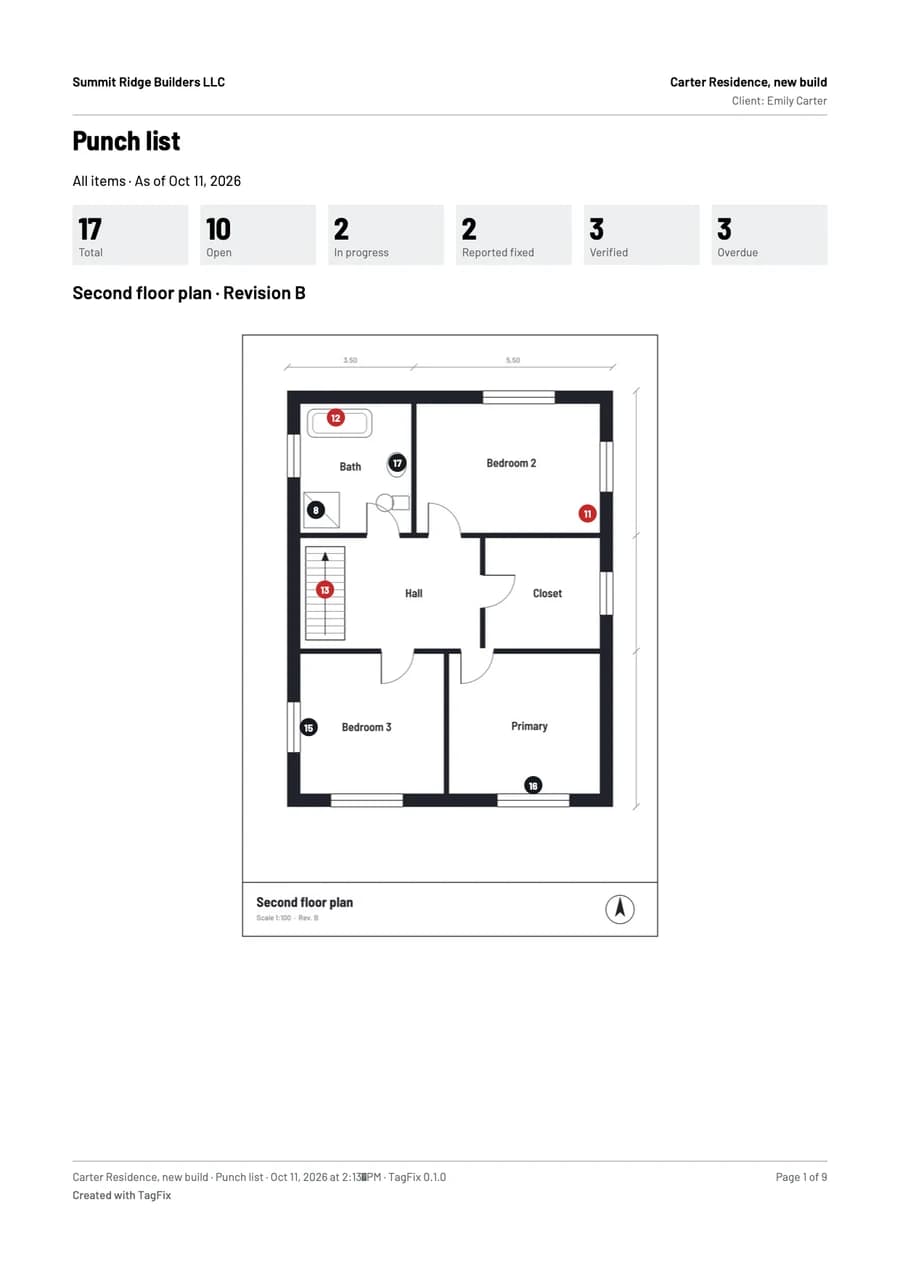
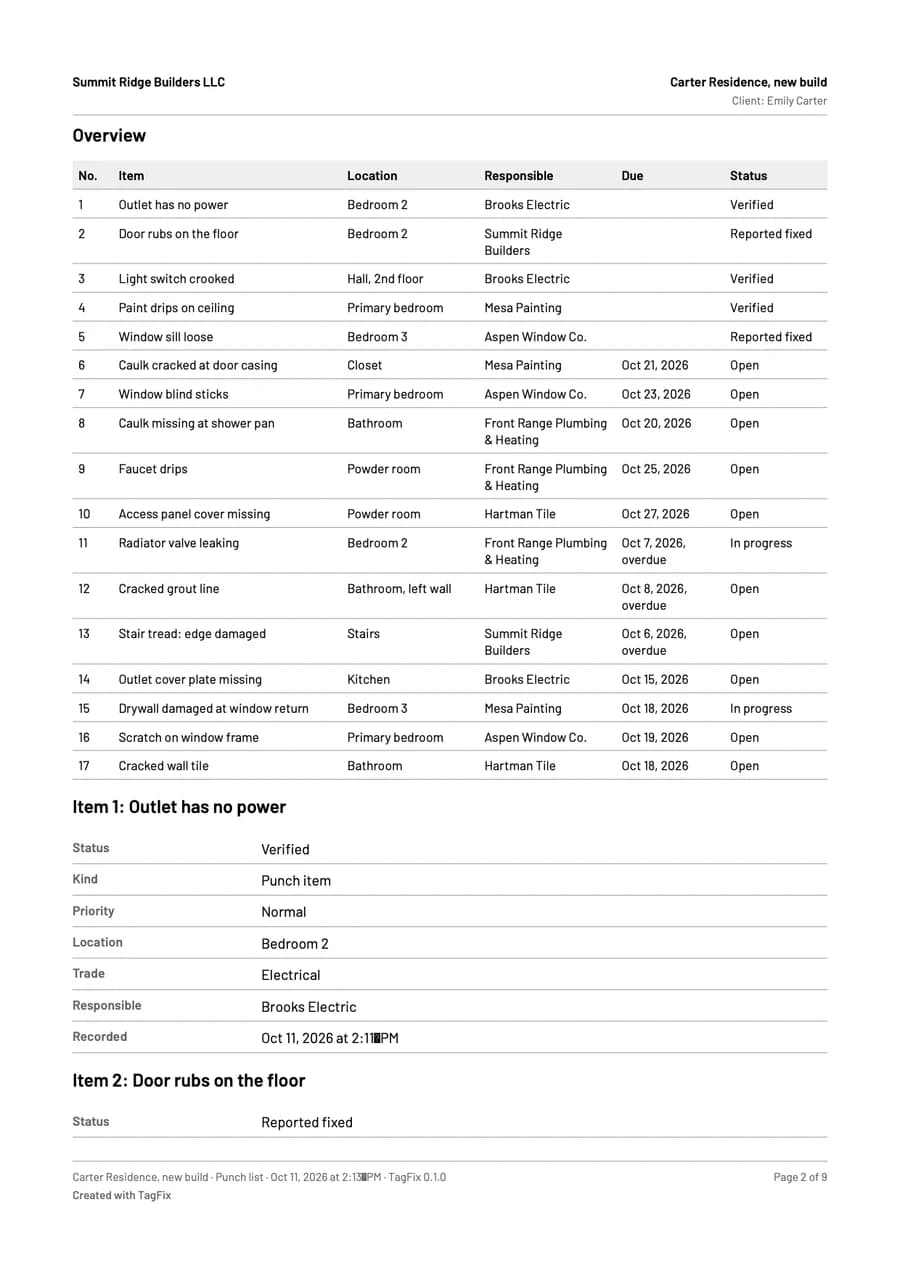
A few taps turn your records into a clean PDF, with your photos and your plan.
Punch list report: all items, per company, only open or only overdue
Site diary: a single day or a date range, with or without photos
Handover protocol with the signatures and the defects as an appendix
Creating and sharing reports is free in every plan
Frequently asked questions
Does it work without a network?
Yes. The whole handover, including the signatures and the PDF, works offline.
Can the protocol be changed after signing?
Only by discarding all signatures, which the app records. A protocol that everyone present has signed cannot be changed. It also keeps the state of its defects at the time of signing, even if you edit them later.
What happens to the defects after the handover?
They stay in the project’s punch list with their deadlines. You track them there until they are verified, and you can run a re-inspection later.